Notifications
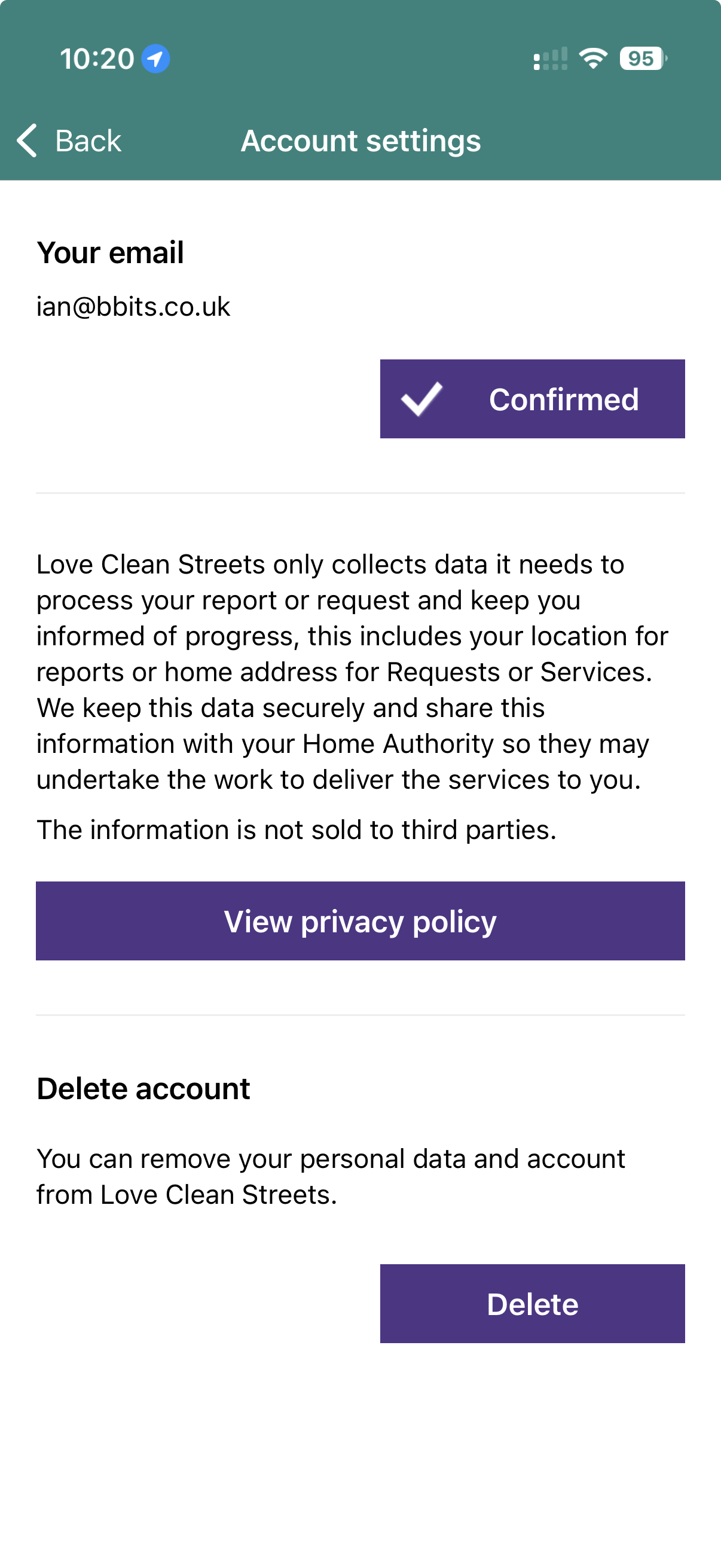
Choose whether to receive available email or in-app notifications, helpful information and product updates. Recent notifications can be opened from the same screen.
 Love Clean StreetsUser guideMake a report
Advanced app guide
Open Profile → App settings. The exact controls can vary by device, app version and home authority.
App settings
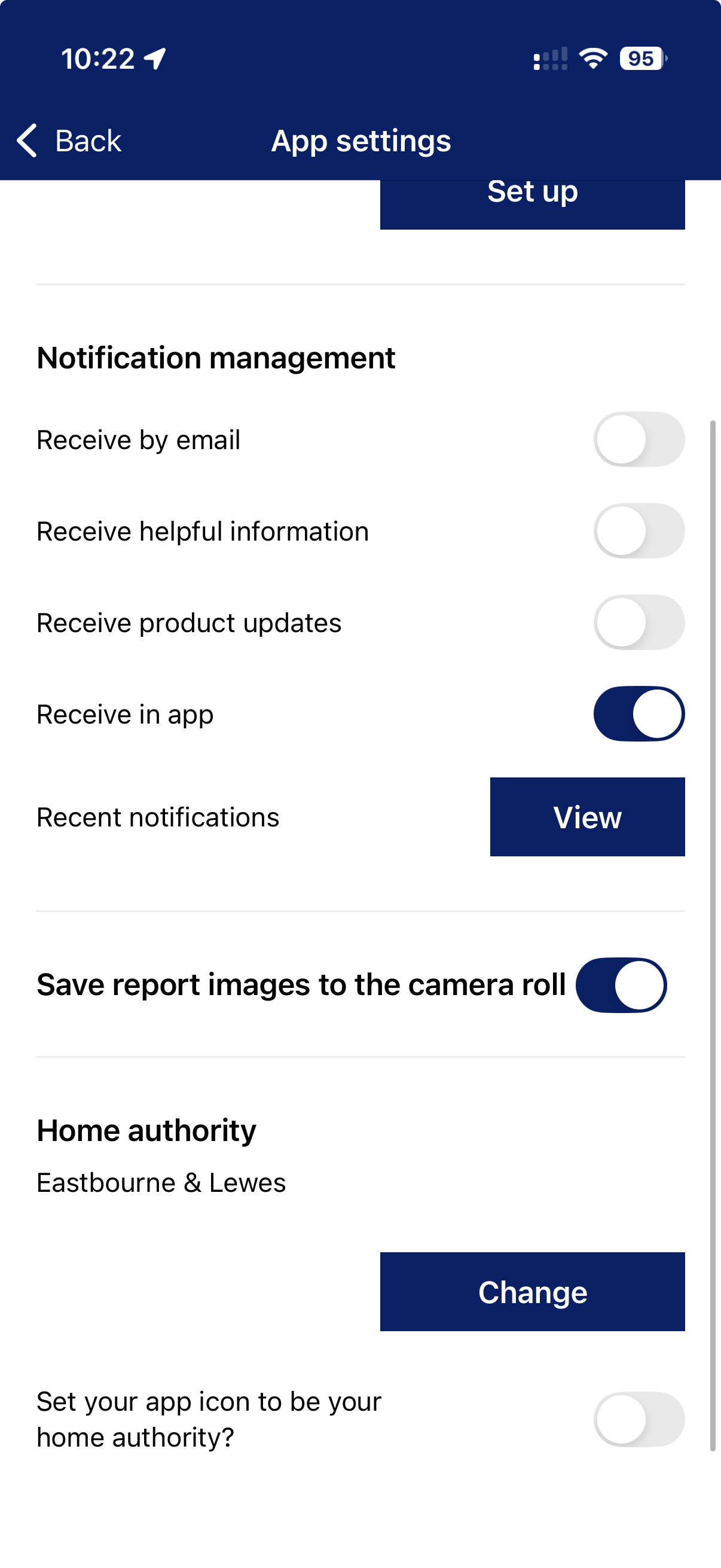
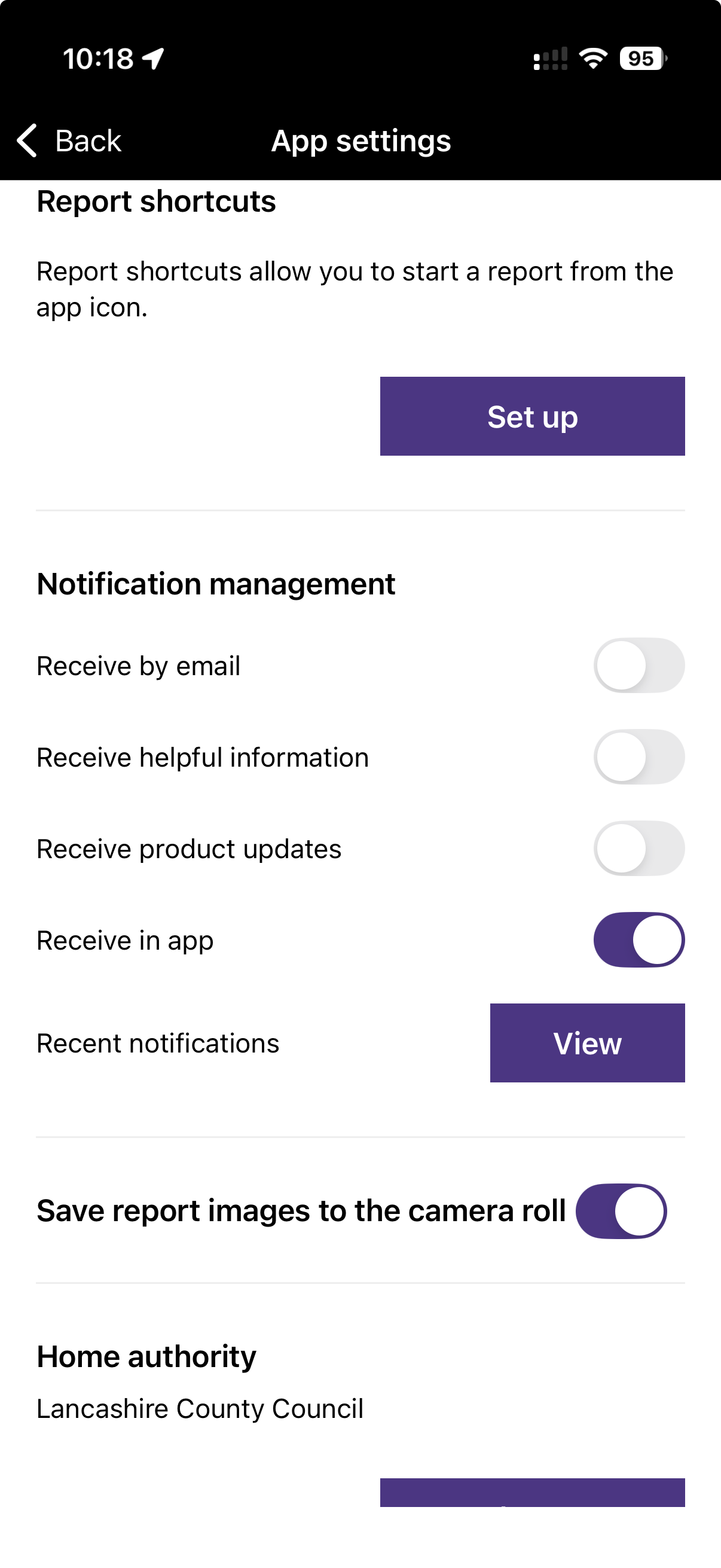
Choose whether to receive available email or in-app notifications, helpful information and product updates. Recent notifications can be opened from the same screen.
Turn on “Save report images to the camera roll” if you want a copy of each report image on your device.
Change the authority used to personalise branding, information, services and shortcuts. Each report is still routed by its location.
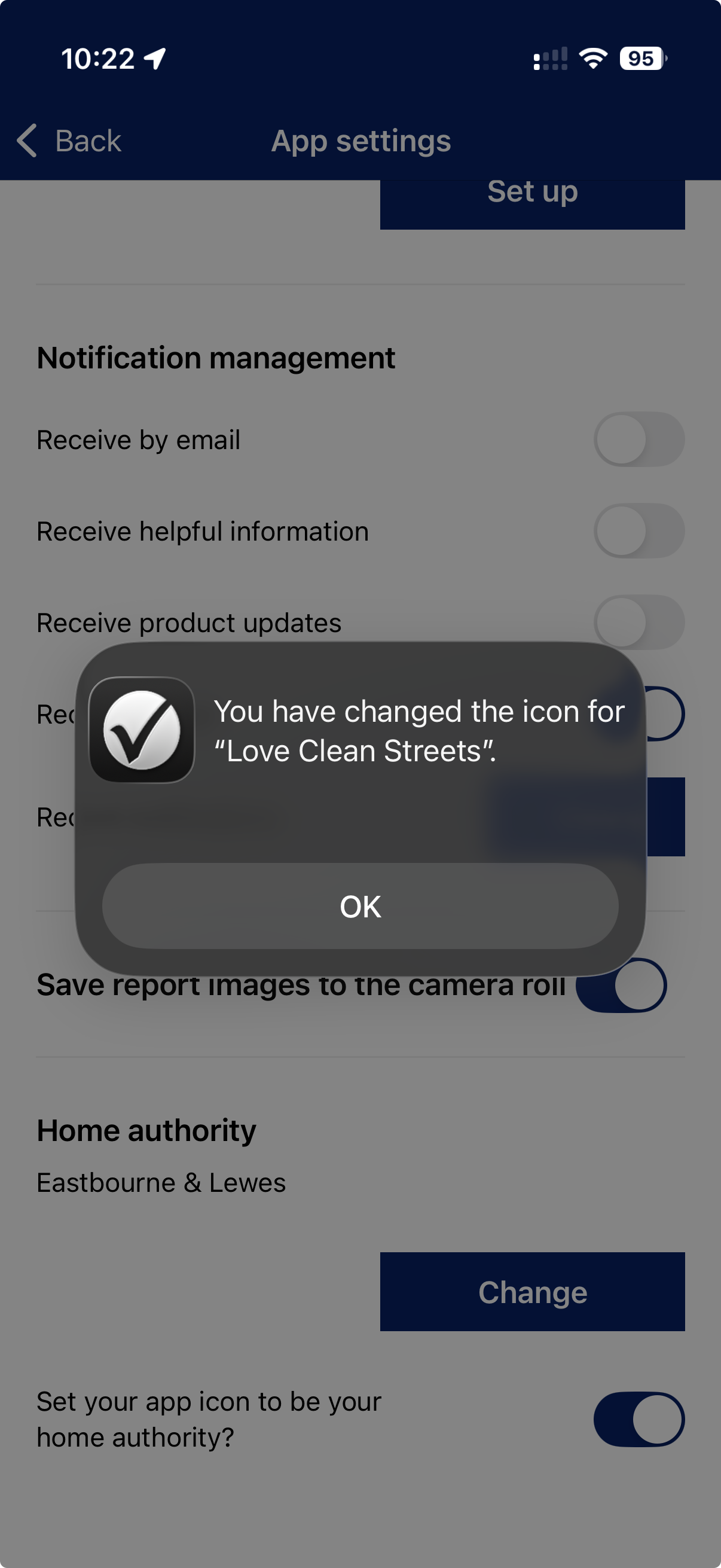
Where offered, set report shortcuts and choose whether the app icon uses your home authority’s branding.
Privacy and your data
Love Clean Streets’ privacy policy says the service may collect account and contact details, address, device and browser information, cookies and location information. Report data is used to pass the issue to the relevant organisation and keep you updated.
Keep personal details out of public descriptions and photos. Add contact or address details only in the dedicated fields when asked.
Read the full privacy policy