Recommended on mobile
Use the app
Best when you are at the issue and can capture its location and a photograph straight away.
Open the app guide Love Clean StreetsUser guideMake a report
Report it in the right place
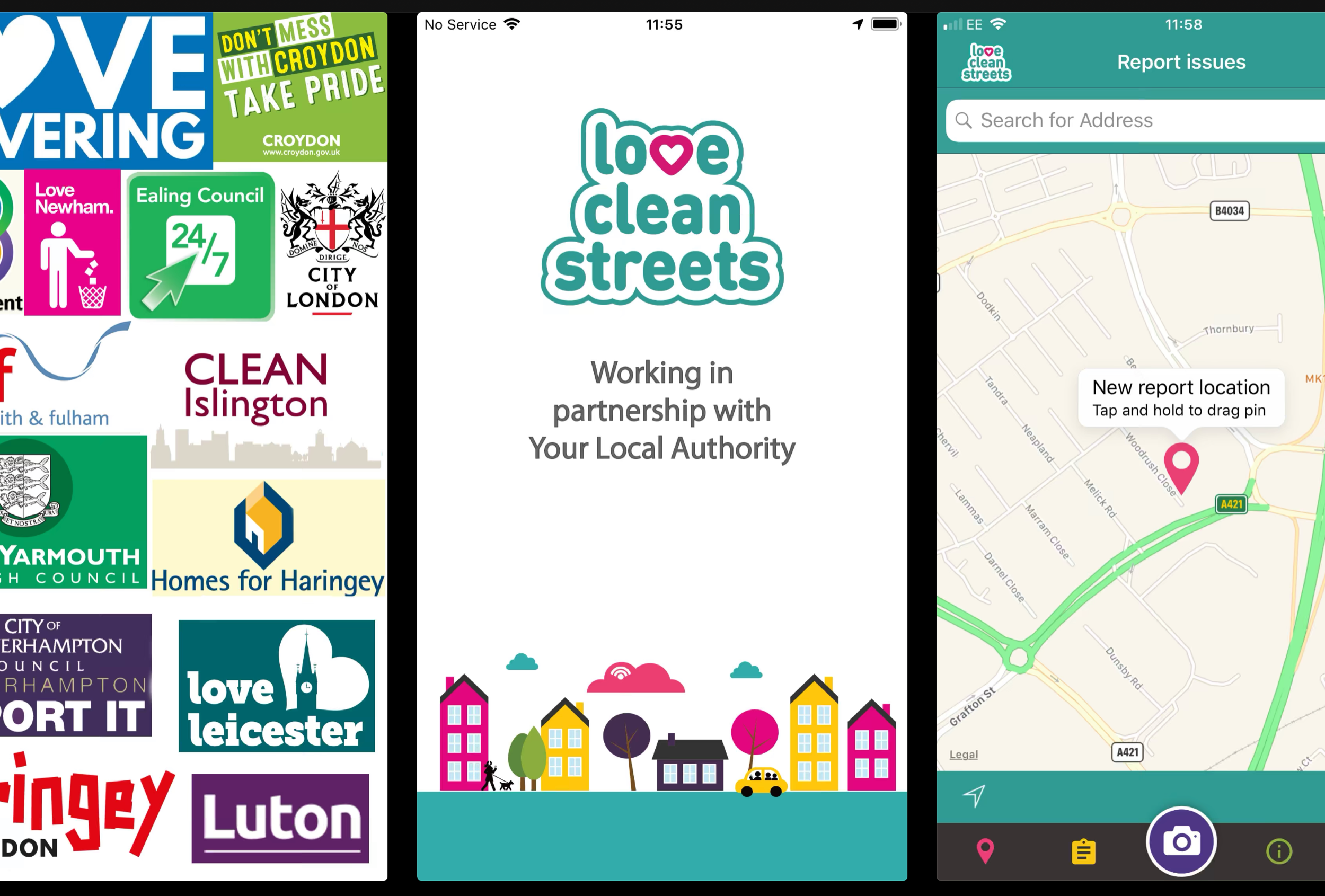
Use the free Love Clean Streets app or website to report local environmental, public-realm and service issues to the relevant authority. What you can report depends on the issue location.
Who deals with the issue?
Love Clean Streets sends your report to the appropriate receiving organisation. That organisation decides what action to take, carries out the work and provides progress updates.
Choose one simple guide
The app and website now have separate step-by-step guides, so you only see the instructions you need.
Recommended on mobile
Best when you are at the issue and can capture its location and a photograph straight away.
Open the app guideNo download needed
Use a phone, tablet or computer. Sign in, place the report on the map and add the details.
Open the website guideLocation changes what you see
Local authorities and partner organisations support different services. Moving the report location can change the categories, follow-up questions, branding and local information shown.
Do not report or update by email
Make a new report in the app or on the website. To add information to an existing report, use the app when the receiving authority has enabled updates. Reports and updates sent by email are not accepted and will slow the process down.
After you press submit
Captures the report and sends it to the appropriate receiving organisation.
Assesses the issue, decides the action, carries out the work and updates the report.
Love Clean Streets is the reporting route. It is not responsible for clearing, repairing or investigating the issue.
Common questions
Love Clean Streets support helps with technical problems using the app or website. The receiving authority deals with the issue being reported.
Get help using Love Clean StreetsLove Clean Streets forwards the report to the relevant local authority. From that point, the authority decides how to assess it, whether it meets its service criteria, what action to take and when to update or close it.
Love Clean Streets support can help with technical problems using the app or website, but it does not assess or resolve the issue you reported. To send new information or a message to the receiving authority, open My reports and update the original report in the app. The authority can disable updates, so the option may not always be available.
Some issues take time to assess or must meet local criteria. Check the report in the app or website first. If the matter is urgent, contact the responsible authority directly. Report criminal matters to the police.
Open Profile and Settings, enter your email address and confirm it. Open the validation email and follow its confirmation link. If it has not arrived, wait a little and check Spam or Junk.
What you can report depends on the issue location and the services supported by the responsible authority. Moving the map pin across an authority boundary can change the categories, questions and features you see.